
Before checkout
Clearer event info and ticket choices
Product
A ticketing setup that helps people buy faster and your team stay calmer.
Zoticket is built around the moments that matter most in practice: helping buyers decide quickly, giving organizers a clearer handle on orders, and giving staff the right tools at the door.
After checkout
Fewer avoidable order and refund emails
On event night
Faster yes-or-no decisions at the door
For organizers
More control without extra admin sprawl
In the product
Key moments in the flow
The main steps: from setup and sales to how you admit guests at the door.
1
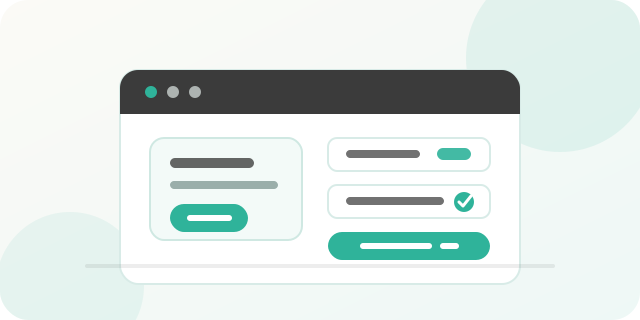
Organize an event
Set up the event, ticket types, and refund terms so the public page and checkout stay aligned.
2
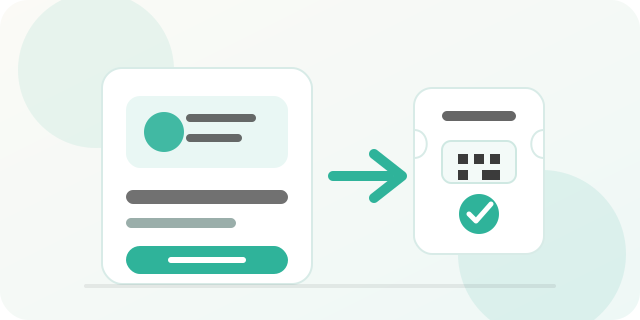
People buy a ticket
Buyers land on one clear event page, pick a ticket, and complete checkout. Simple and fast, without unnecessary hassle.
3a
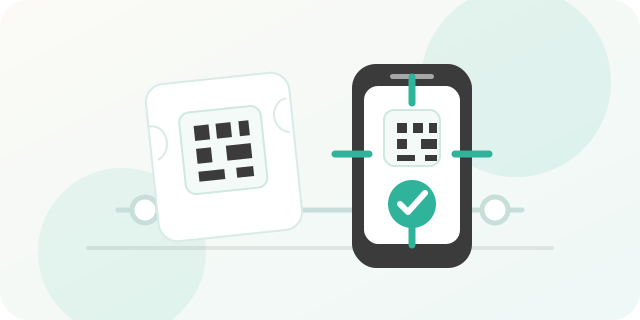
Scan a ticket at the door
Staff validate QR codes quickly so the queue keeps moving when the room gets busy, and the scan app keeps working offline too.
or
3b
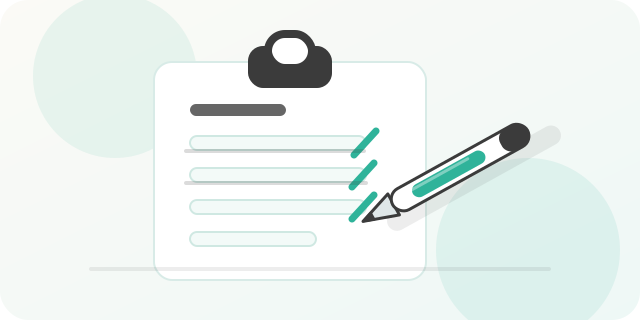
Cross out the ticket on a list
When you need a paper backup, you can still run a printed guest list and mark people off by hand without breaking the rest of the flow.
Your next step
See the pricing, then go live when it fits.
Fees per ticket, checkout costs, and payouts—clear upfront. When you're ready, log in and publish your event page.